
NUX-NDL3HOOK
Shipping Details
Out of stock
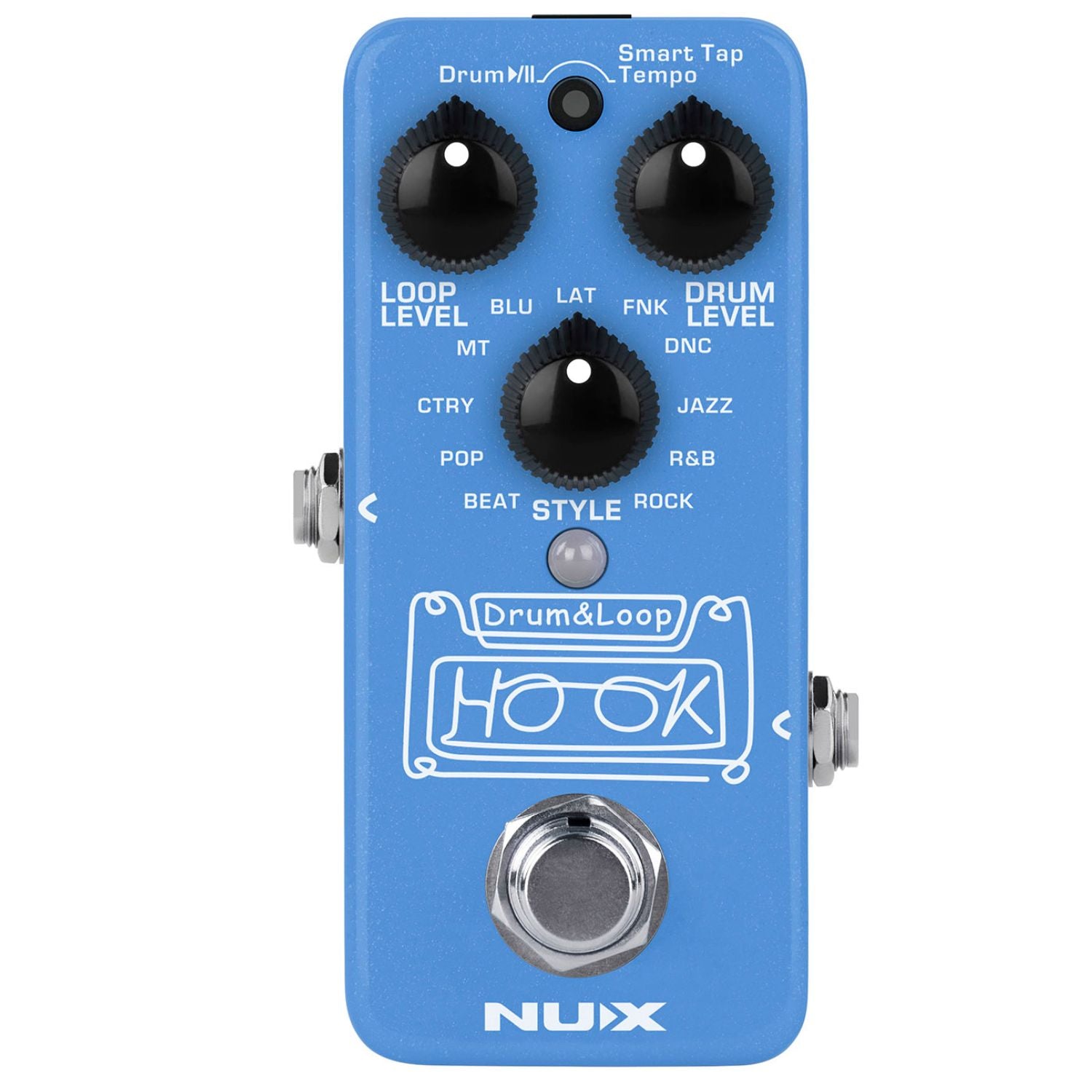
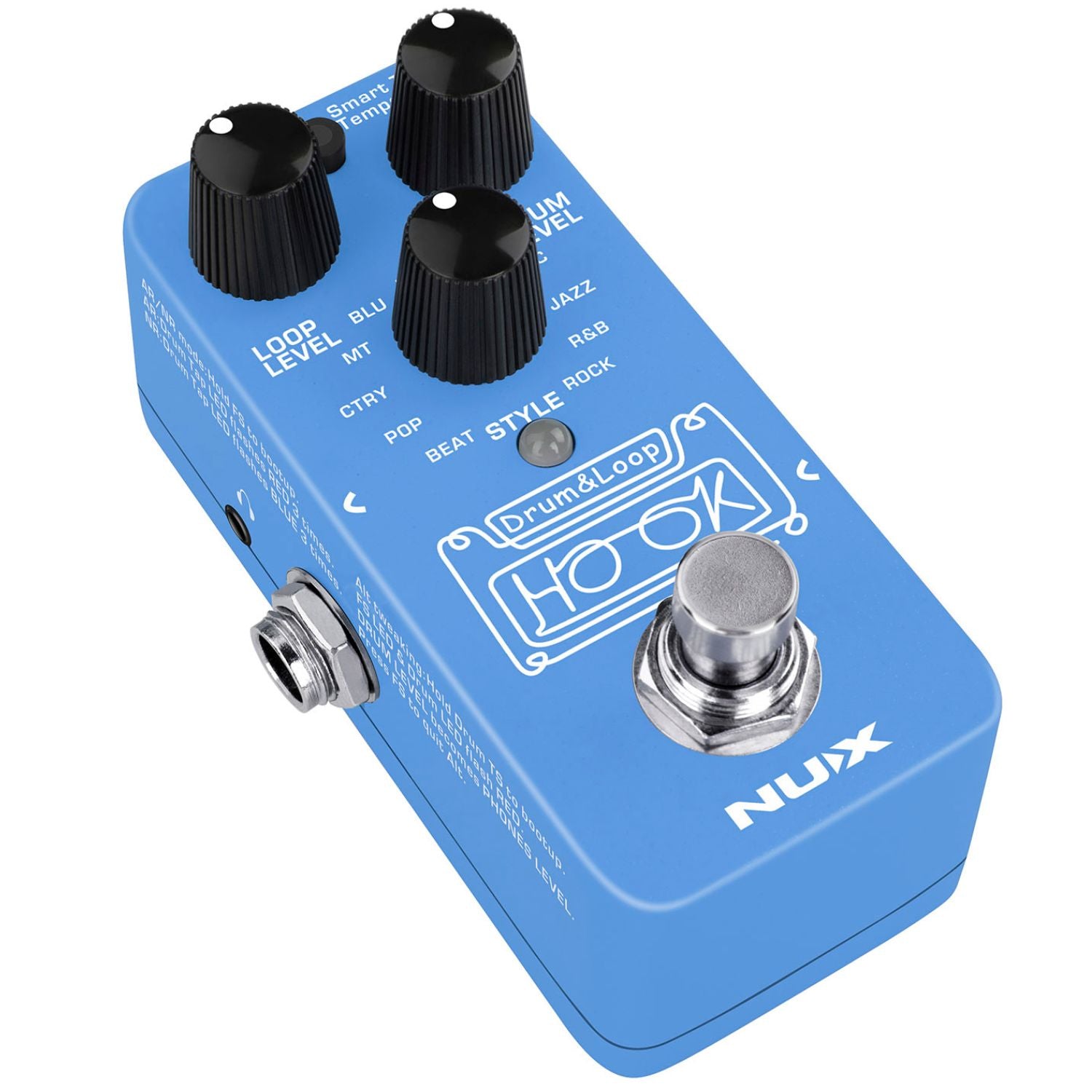
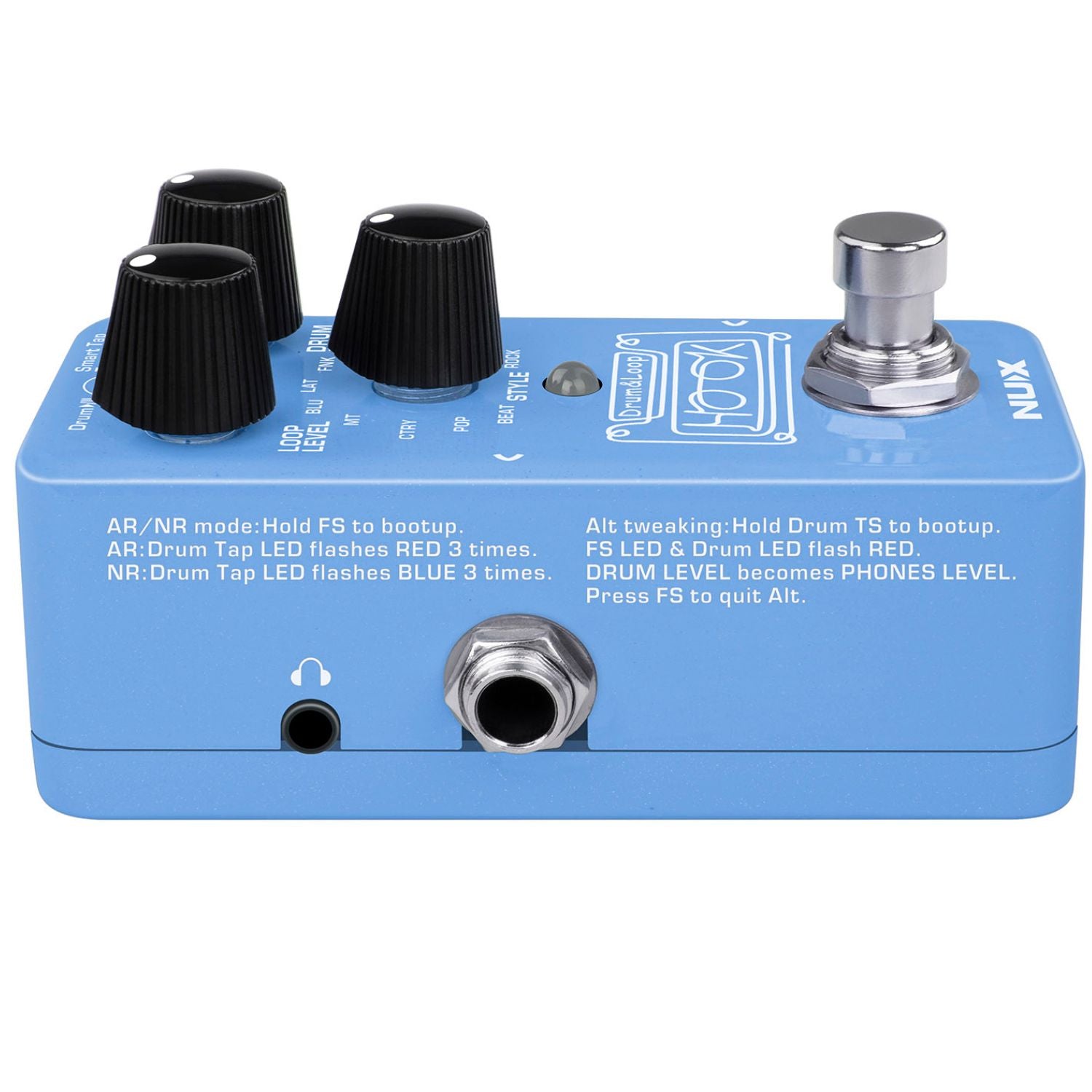
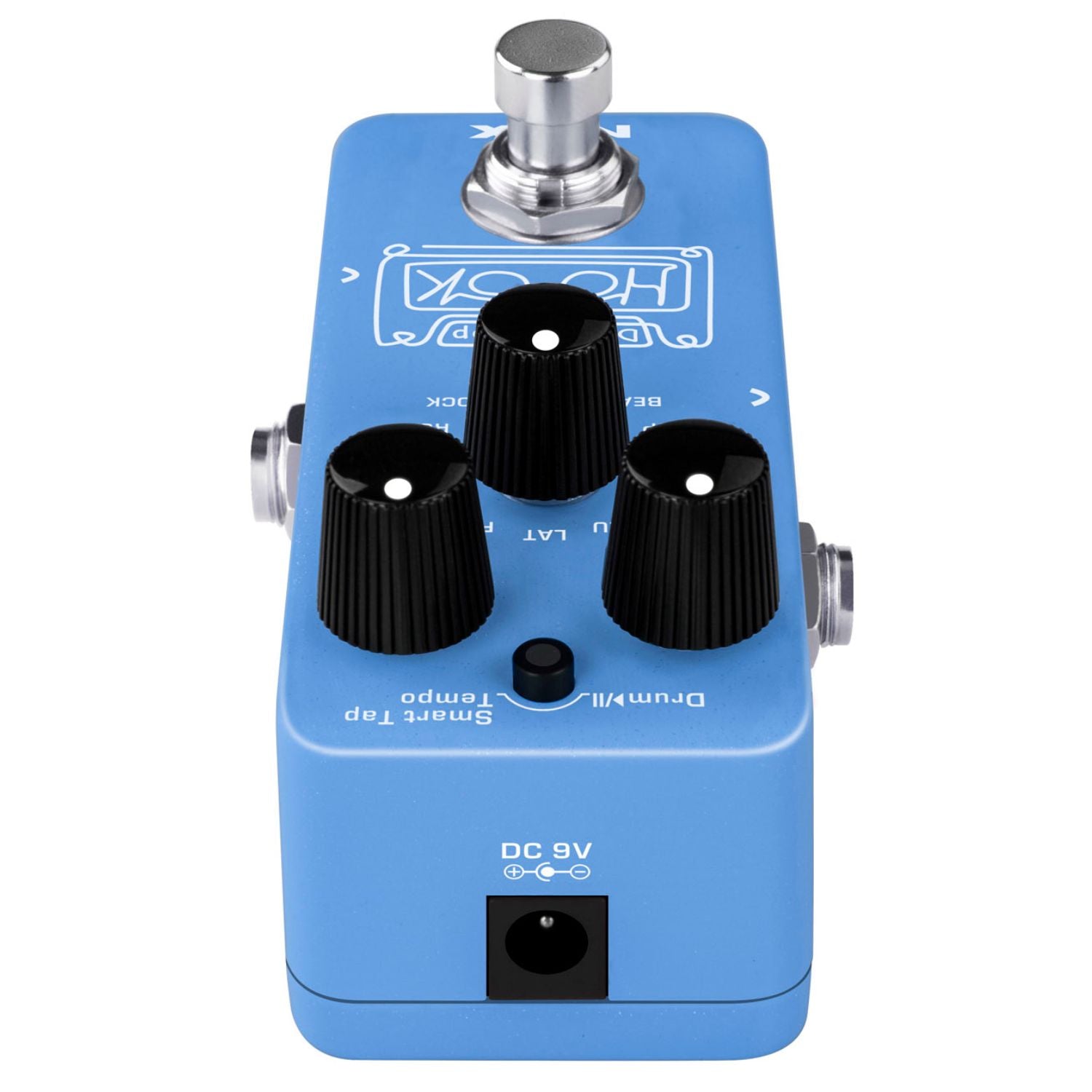
The HOOK Drum & Loop (NDL-3) is a mini looper pedal with auto tempo detection. Simply record a phrase loop, then add a synchronized drum beat. Or you can use the included Smart Tap Tempo and play the drum beat, then start to record the phrase loop. The HOOK is intelligent and simple to operate.
When recording your phrase loop, you can choose Normal Recording or Auto Recording. Normal Recording (NR) is like regular looper pedal, while you press the footswitch, it starts to record immediately.

-
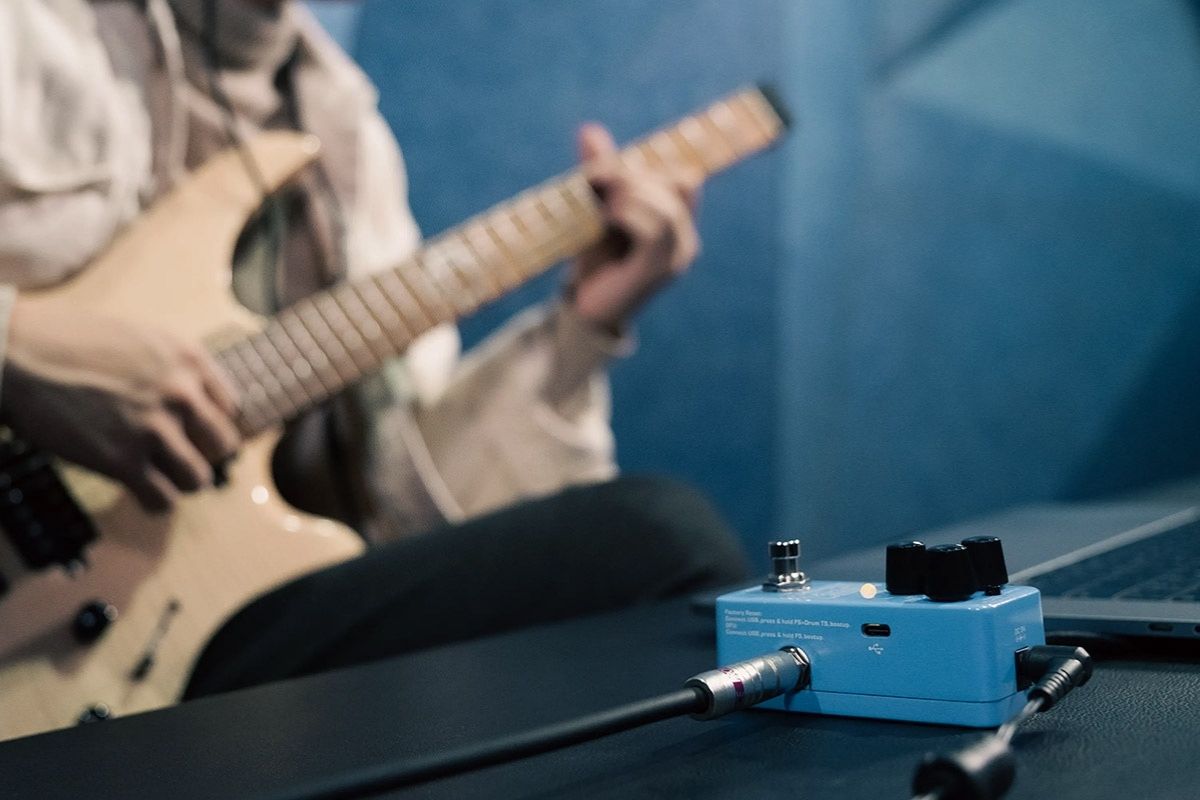
When in Auto Recording (AR) mode, press the footswitch to record arm the looper. HOOK will start recording once it detects your guitar signal. This is convenient while you put the HOOK on the desk, and you can use your hand instead of your foot to operate it. Note: To switch between NR/AR, hold the footswitch while plugging in the AC adapter to bootup the pedal. NR: Drum Tap indicator flashes BLUE 3 times. AR: Drum Tap indicator flashes RED 3 times. Even without the phrase loop, the HOOK can be used as a drum beat with Smart Tap Tempo. It offers 11 drum beat styles with high quality sound samples, and useful rhythms for practice.
-
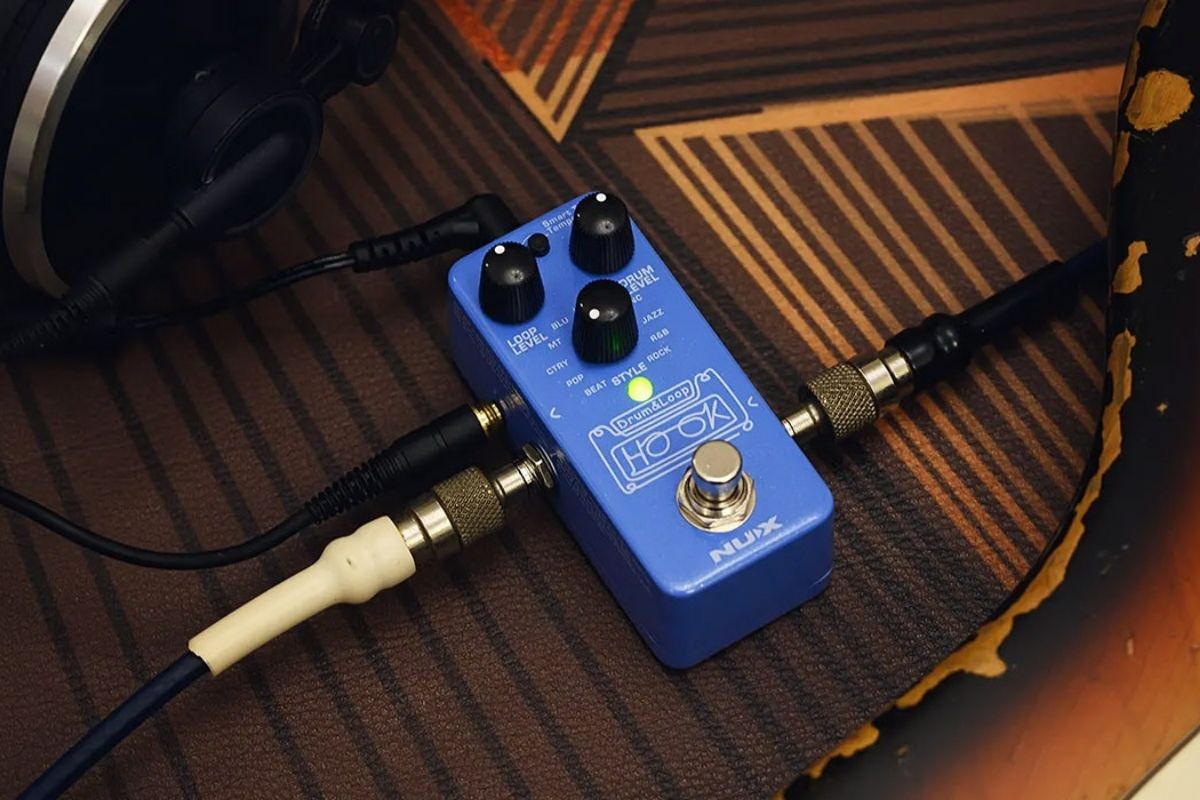
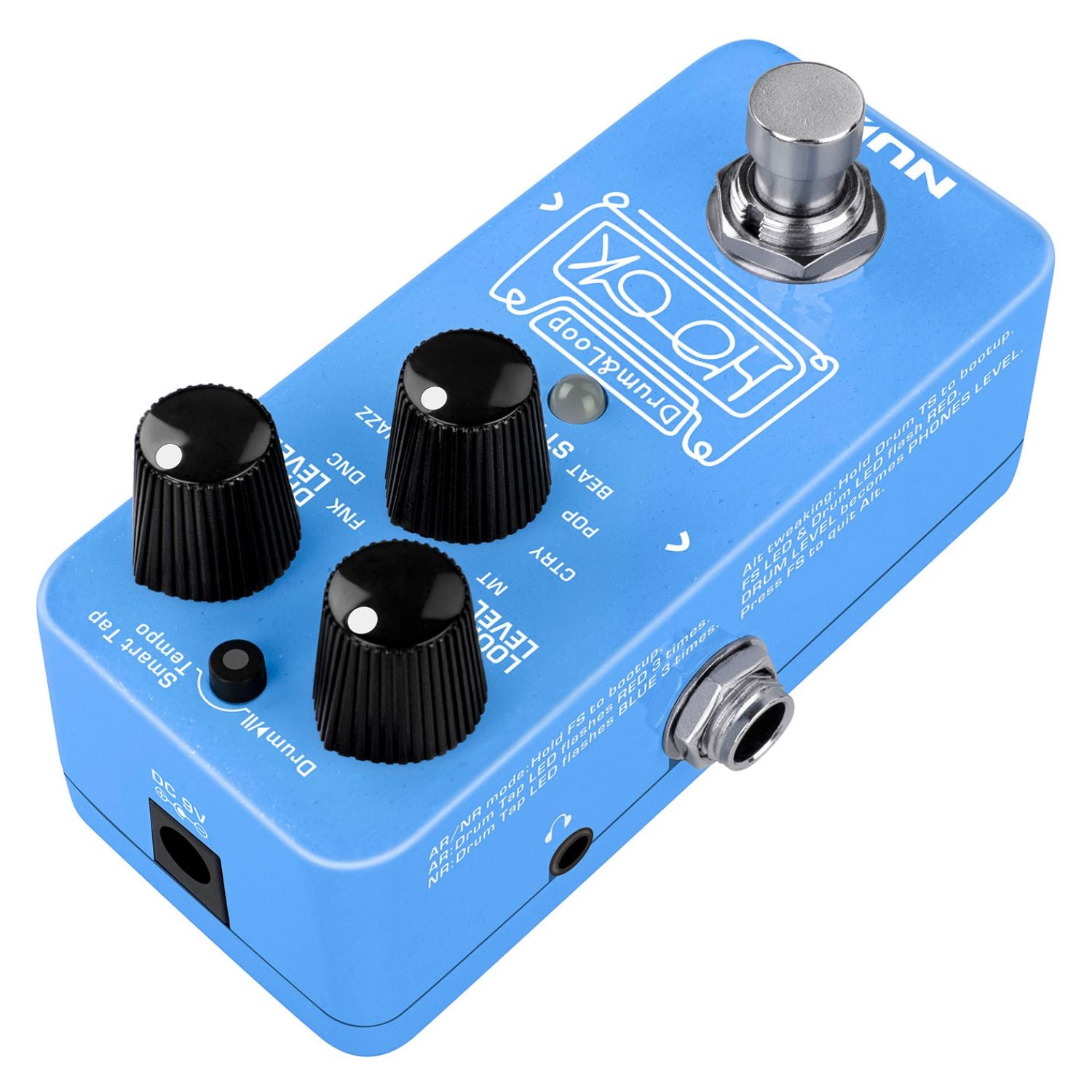
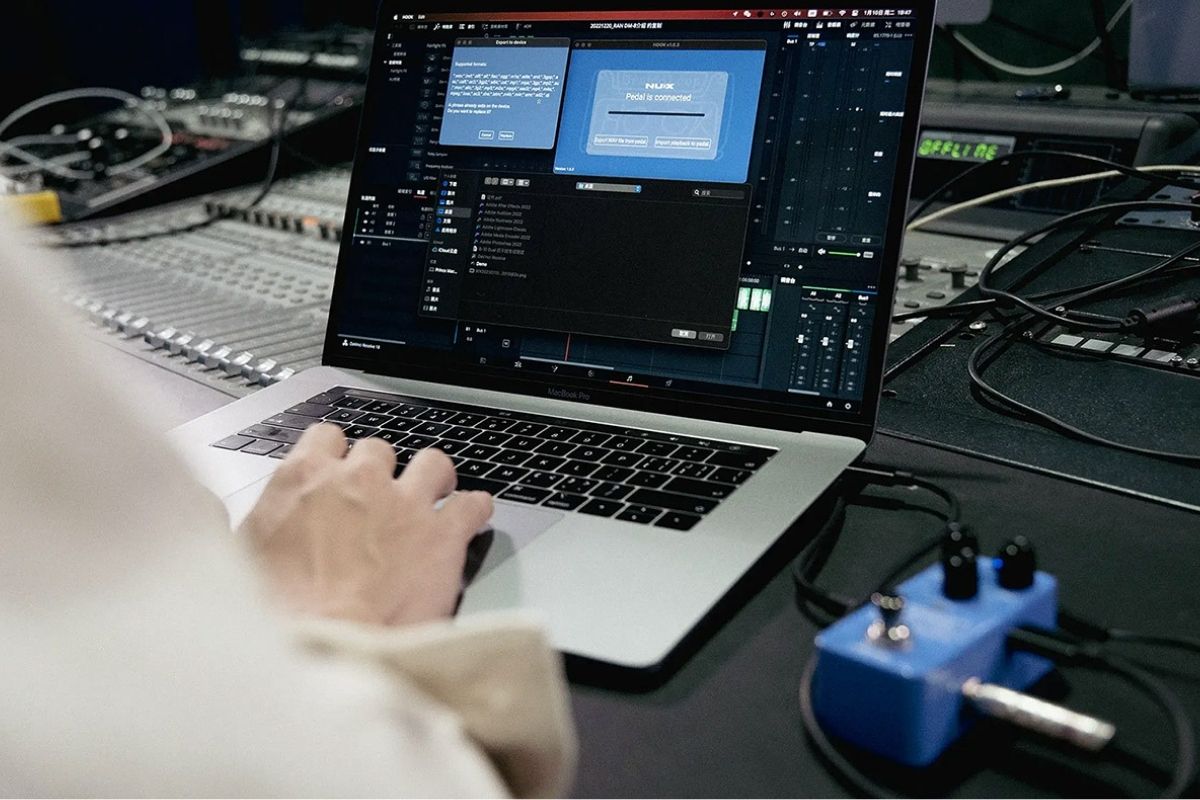
The HOOK features 24-bit/44.1kHz recording resolution and 6 minutes recording time with unlimited overdubs. It is true-bypass and analog dry-through. The drum beats and loop playback are independent, which means that you can stop the loop and keep the drum beat playing. Re-play the phrase loop as you want. The HOOK also includes a PHONES out jack! We know lots of musicians love to use pedals, and they sometimes need silent practice! And finally, you can export your phrase loop WAV file through HOOK APP, please download it from the HOOK product page.
-
Note: Plugging in the AC adapter when you Press & Hold Drum Tap switch to bootup the pedal will enter into Alt tweaking mode. The Drum Tap indicator and footswitch indicator will flash RED. Now the DRUM LEVEL knob can adjust the phones volume. You can play guitar into the pedal and tweak the DRUM LEVEL knob to adjust the phone volume. Press the footswitch to quit Alt tweaking. Caution: Please be mindful when adjusting the headphone levels. Protect your hearing!
-
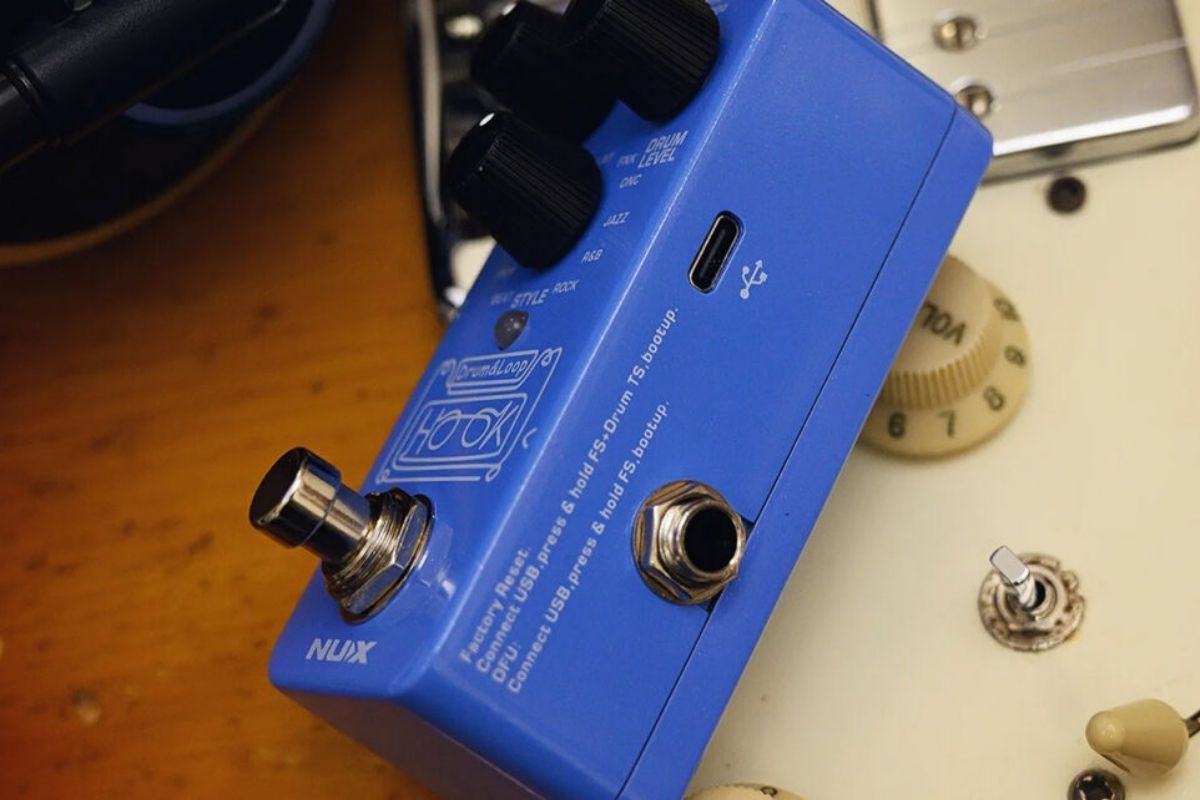
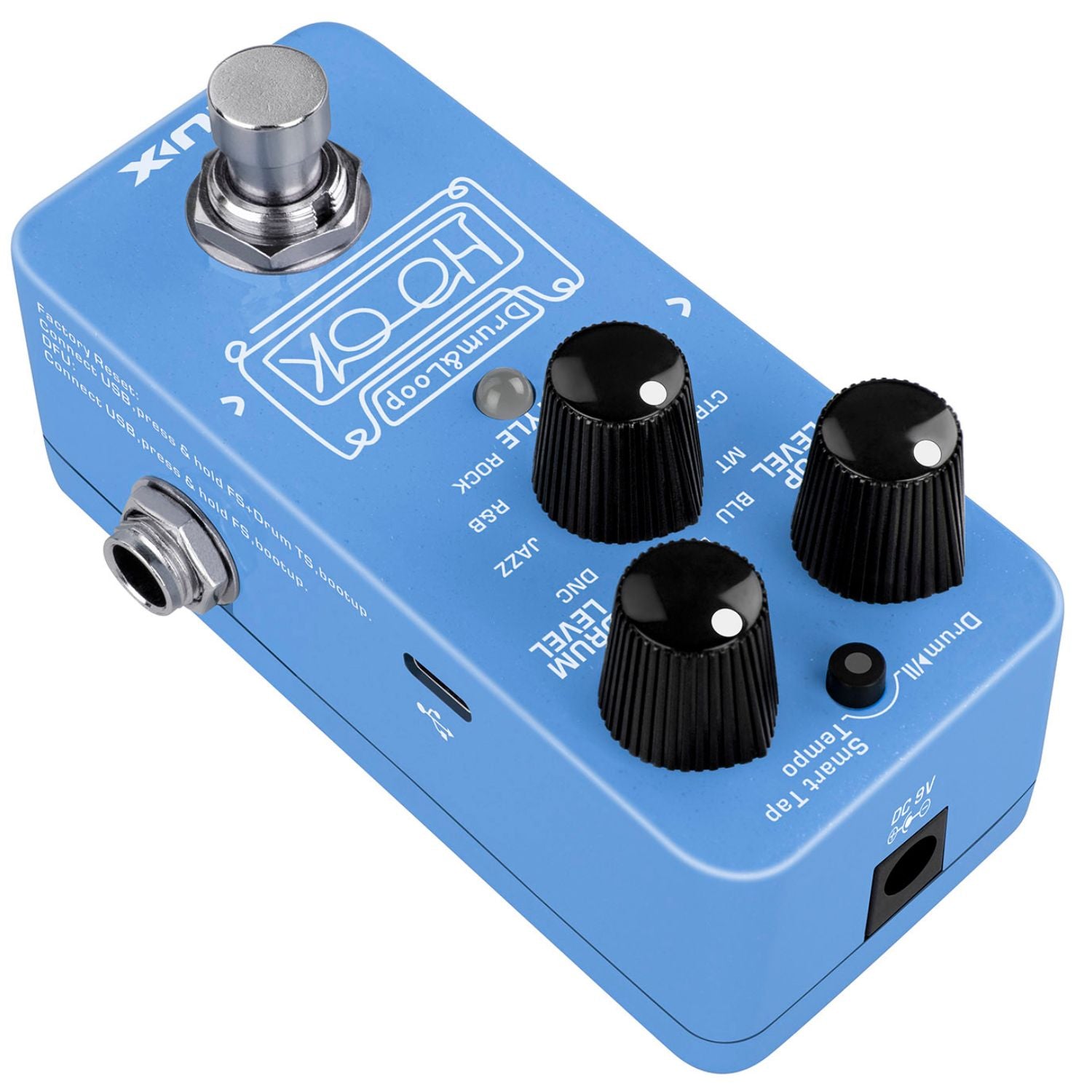
The USB-C port is for firmware updates. Connect USB cable to a PC and hold the footswitch to boot-up the device and to enter the DFU (Device Firmware Update) mode. Once connected you can do firmware updates using DFU updater software. You can download the related firmware, DFU updater and firmware update guide from product page.
